
English
Essays and reading answers as open-ended questions or photo hand-ins, with your written feedback. Grammar and vocabulary quizzes mark themselves.
Courses, homework, feedback and progress for any subject, with built-in SAT Math practice when you need it. One calm place for teachers and the students they guide.
Courses, homework, marking and feedback work the same for English, maths, sciences, languages and more. SAT Math teachers get a set of extra tools on top.
Essays and reading answers as open-ended questions or photo hand-ins, with your written feedback. Grammar and vocabulary quizzes mark themselves.
Number and multiple-choice answers marked instantly; worked solutions handed in as a photo or PDF for you to review.
Lab reports as PDF uploads with a score and comments; quick checks with true/false and multiple choice.
Folders by unit, deadlines, fill-in-the-blank and open answers, announcements and messages: everything a class needs.
One connected path for the whole term: what a teacher sets up, what students do with it, and what both of you learn from it.
Folders keep materials, files and assignments together, in the order you teach them, for any subject.

Online homework with five question types, from multiple choice to open-ended, or PDF and photo hand-ins when you prefer paper.
Scores, missing work and attendance for every student, from the course gradebook down to each student's own page.

Students see results the moment they submit and read your feedback on longer work. Families get a clear letter about how things are going.

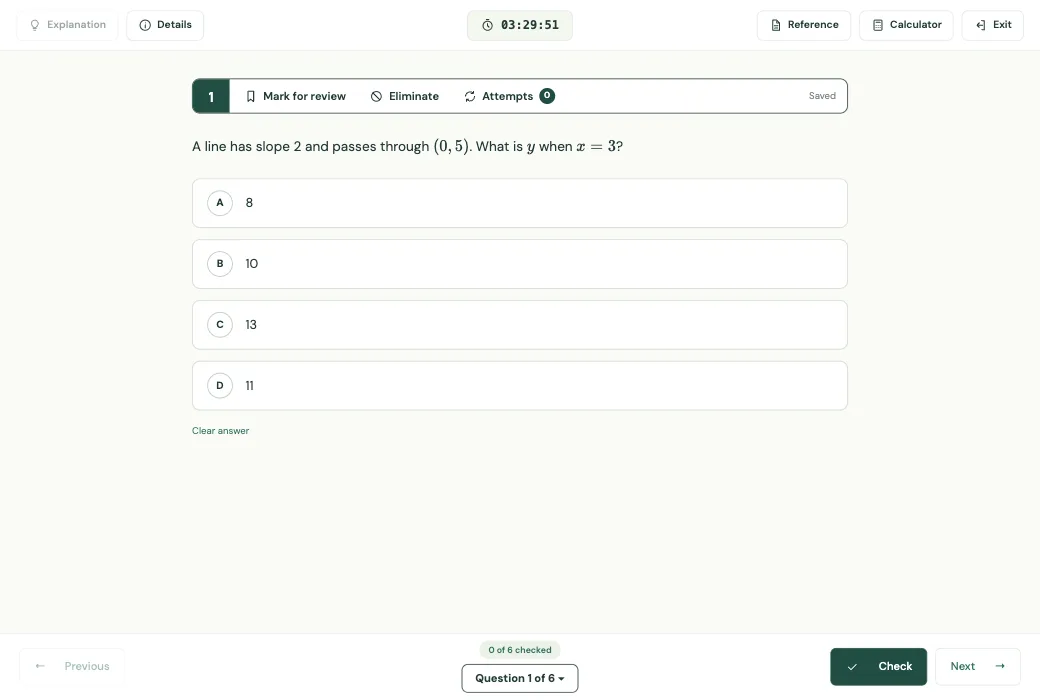
No account needed. Pick an answer and press Check: wrong answers can be tried again. Three subjects, one way of working.
Every feature here is part of Mentora today.
Materials, files and assignments for any subject, organised by week or unit.
Five question types, four of them marked automatically, with results straight away.
PDF and photo hand-ins and open answers, each with your score and written comments.
Every score in one table, weighted the way you grade, with missing work flagged.
Overviews for teachers and students: averages, what is due and what needs attention.
Turn a PDF or a photo of a worksheet into online questions you can edit.
A clear progress letter for each family, drafted with AI from real results.
Attendance, announcements, messages and a calendar, next to the coursework.
Question bank by topic, timed tests, a predicted score and a graphing calculator.
Teachers see everything in Mentora and share it with you clearly, without a spreadsheet in sight.
Dear Mrs. Karimova,
Leyla has had a steady month. She now works through linear equations with real confidence and checks her answers without being reminded, which shows in her homework.
Her next step is quadratic functions, where she still loses time on factoring. We will practise a few each week, and I expect her timed-test pace to improve before the next mock exam.
Warm regards,
Her SAT Math teacher
Less admin, more teaching.
Know what to do next.
Accounts are created by your teacher or school. Send a short request: the teacher will reply by email and set up your account. Already have one? Sign in.
Sign in